
The short answer
Confirm the filename is d3dx9_43.dll, not the system core d3d9.dll. Restore the former with Microsoft's legacy DirectX component installer; a graphics driver update is not a substitute.
Common symptoms
Match the complete error before following the checks:
- The application reports d3dx9_43.dll missing or not found at launch.
- dxdiag reports DirectX 12, but an older game still fails to load.
- The game passes graphics initialization and reaches its menu or a playable scene.
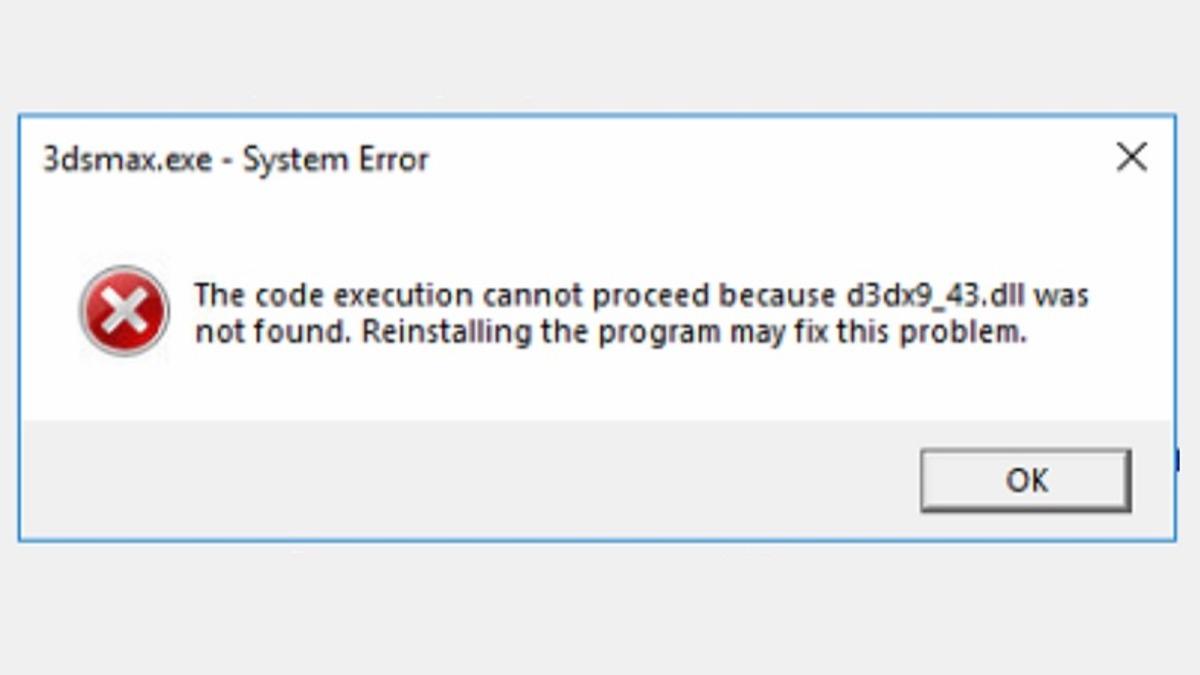
What causes d3dx9_43.dll
The same message can have different causes. Check Windows version, application architecture and logs.
Repair steps
Follow these 4 steps in order, starting with the simplest checks.
Check the filename and failure stage
Difficulty: Easy5–10 minConfirm the filename is d3dx9_43.dll, not the system core d3d9.dll. Restore the former with Microsoft's legacy DirectX component installer; a graphics driver update is not a substitute.
The message is a missing-file error, not an entry-point, graphics feature-level or device-removal error.
Install Microsoft's legacy DirectX components
Difficulty: Easy5–10 minDownload DirectX End-User Runtimes (June 2010), extract it into a separate folder and run DXSETUP.exe inside. This adds legacy components without downgrading the system's DirectX 12.
Read Microsoft's official guidanceDXSETUP finishes successfully; extracting the files alone does not install them.
Verify application files and test again
Difficulty: Easy5–10 minVerify files in the original game launcher or use the vendor's repair installer. Keep saves and settings, launch the same application through its original launcher and record any new error.
File verification completes and both launcher and application open. If the message changes, investigate the new filename.
Retest and keep setup logs
Difficulty: Easy5–10 minRelaunch the original program. If setup fails, inspect DXError.log and DirectX.log in the Windows directory and follow the DirectX setup-failure guide. Do not delete system DLLs or edit DirectX version registry values.
The game passes graphics initialization and reaches its menu or a playable scene.
Verify the fix
Verify with the same application and launch method that originally failed:
Frequently asked questions
Are d3d9.dll and d3dx9_43.dll the same file?
No. One is a core system Direct3D component; the other is a legacy helper library. Use the exact filename to choose the troubleshooting path.
Will this package downgrade DirectX 12?
No. Microsoft describes it as adding optional side-by-side components from the legacy SDK without changing the DirectX version built into Windows.
Can I copy a downloaded DLL into System32?
Use the complete Microsoft or application-vendor installer. A loose DLL can have the wrong architecture, version or origin and does not restore its dependencies. Do not overwrite system-directory files.